Archive / NO.013 · Rizha · Indie Development · iOS · Codex · DeepSeek · AI Programming
I Didn't Write a Line of Code, and Built an iPhone App in Under Ten Spare Days
It started with gathering old diaries. Then Codex and DeepSeek Harness took turns on the build, the testing, and getting it ready for the store.
CONTENTS 07
- 01 How it started: I just wanted my old diaries back
- 02 Get clear on what you want, then let Codex start
- 03 Privacy and ease, weighed more than once
- 04 Why I cared so much about offline voice input
- 05 When the Codex quota ran out, DeepSeek Harness picked up the work
- 06 AI did more than write the code
- 07 After more than twenty years of writing code, the biggest gain this time was not the code
It started with gathering old diaries. Then Codex and DeepSeek Harness took turns on the build, the testing, and getting it ready for the store. I want to talk about what programming with AI was actually like this time.
I have been building software for more than twenty years. I have written plenty of code, and I have led development teams. Recently, though, I used under ten spare days to make an iPhone diary app. I called it Rizha (日札).
The interesting part is that, this time, I didn't write a single line of code myself.
From the first interface designs and the features, through running the simulator, debugging, and making the product site, and on to the App Store screenshots and the review submission, Codex and DeepSeek Harness did nearly all of the work. Mostly I described what I wanted, used the product, asked for changes, and stepped in now and then when the AI got stuck.
This is not going to be a "build an app with AI in ten minutes" tutorial. I would rather write down how a small tool I only meant for myself came together, step by step, and what the experience made me think about again.
How it started: I just wanted my old diaries back

Over the years I kept a diary on and off. Sometimes in an app like Day One, sometimes in other documents, and some of it as Markdown files sitting on the computer. It felt convenient at the time. Years later, when I wanted to read it again, the writing was scattered, and some of that software was no longer something I used.
A diary is meant for your future self. When I actually wanted to look back, the first job was figuring out where I had written it that year. So I had a simple thought: could I gather these diaries in one place, sort them by time, and at least make them easy to read and to search?
I first asked Codex to make a local web page that grouped the old diaries and showed them together. Open the page on the computer, and I could read words I had not looked at in a long time. That step had already solved the original problem.
After using it for a while, it still did not feel convenient enough. I am not at the computer all the time. More often, what I have in my hand is the phone. The page was already there. Why not just make an iPhone app?
At first I only wanted to read the old diaries on the phone. Then I thought: if I can read them, why not put writing in too? A web page that started as a fix for a small annoyance of my own slowly became a full app idea.
Get clear on what you want, then let Codex start
When I actually started, I did not write a long requirements document. I told Codex I wanted a diary app that was minimal, practical, and smooth to use, and I asked it to design the interface first.
I also set a few rules. No account required. The diary stays on the device first. Privacy has to be real, but the safety measures cannot turn ordinary use into a chore. It has to suit quick notes on a phone, voice input especially. And later, searching, looking back, or backing a diary up has to be easy too.
In about half a day, Codex had the frame of the app and the main features up. That does not mean half a day produced a finished product ready to release. It means there was a version I could run, try, and keep changing. For me, that was enough to start using it for real.
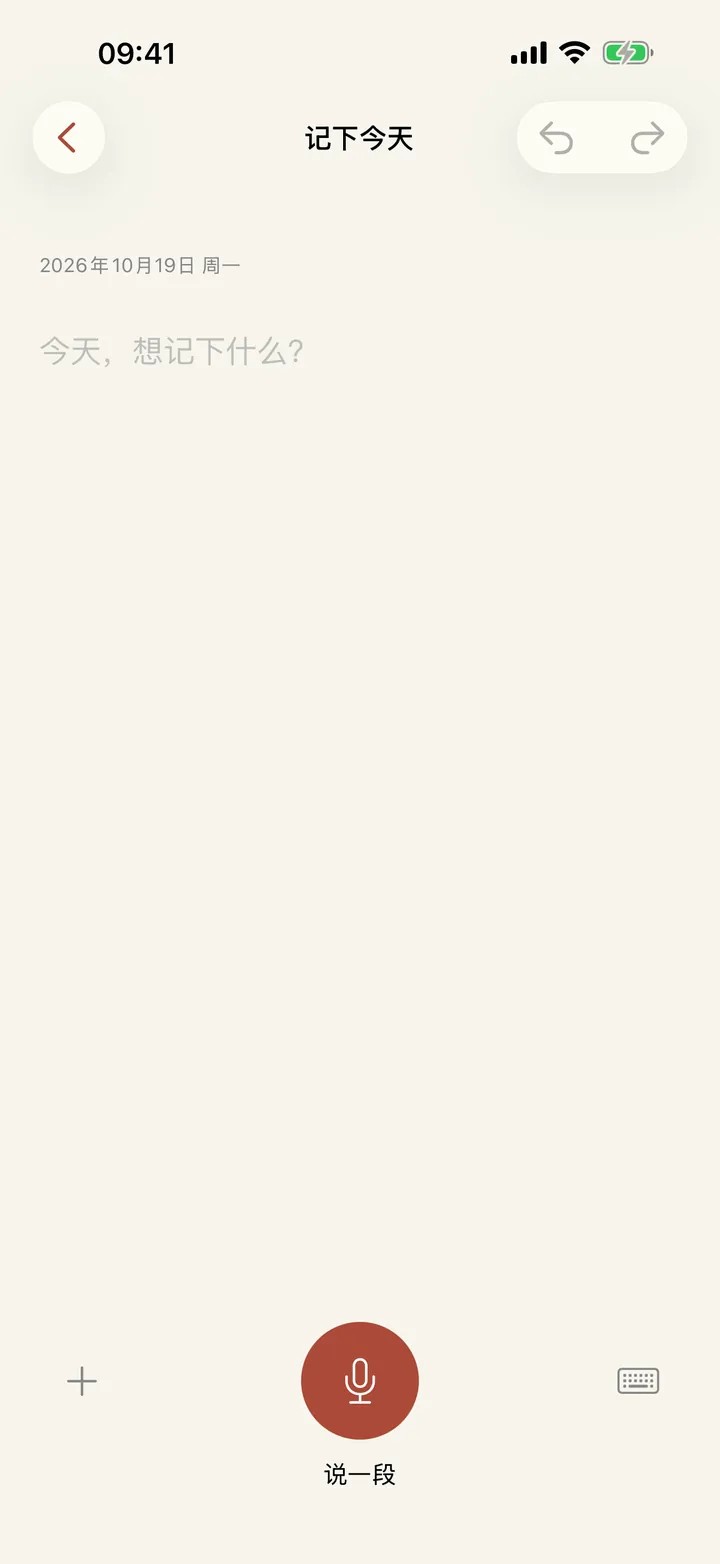
For the next few days I mostly used the time after work. I opened the app, noticed where it felt awkward, and told Codex to change it. A lot of what I asked for was not planned at the start. It showed up while I was using the app.
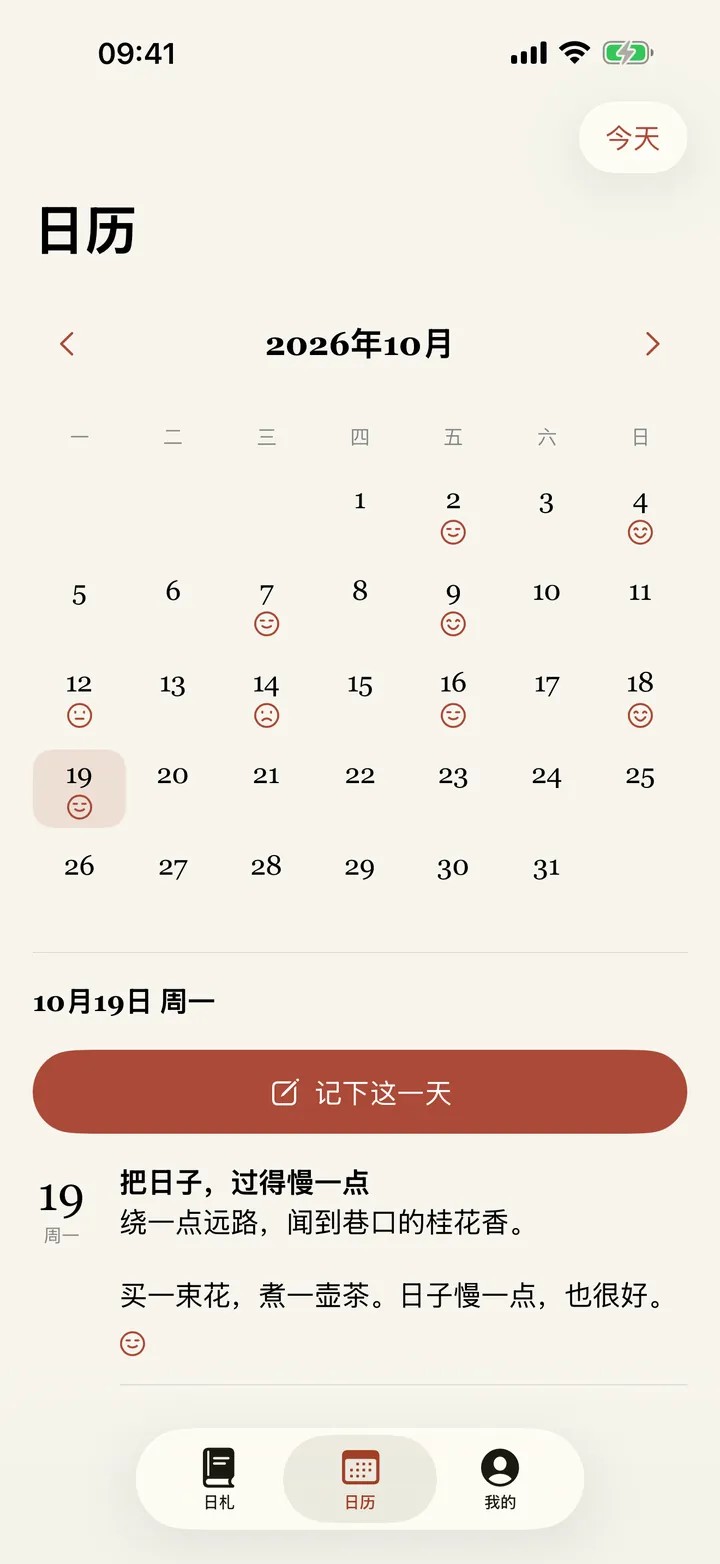
When I write an entry, for example, I sometimes want a photo or a short video along with the words. Some entries should be able to carry a location, but that should be the user's choice. Looking back at a day, besides the writing, I wanted five moods to mark how it felt. Later I added tags, keyword search, and the like, so writing something down and finding it again both got easier.
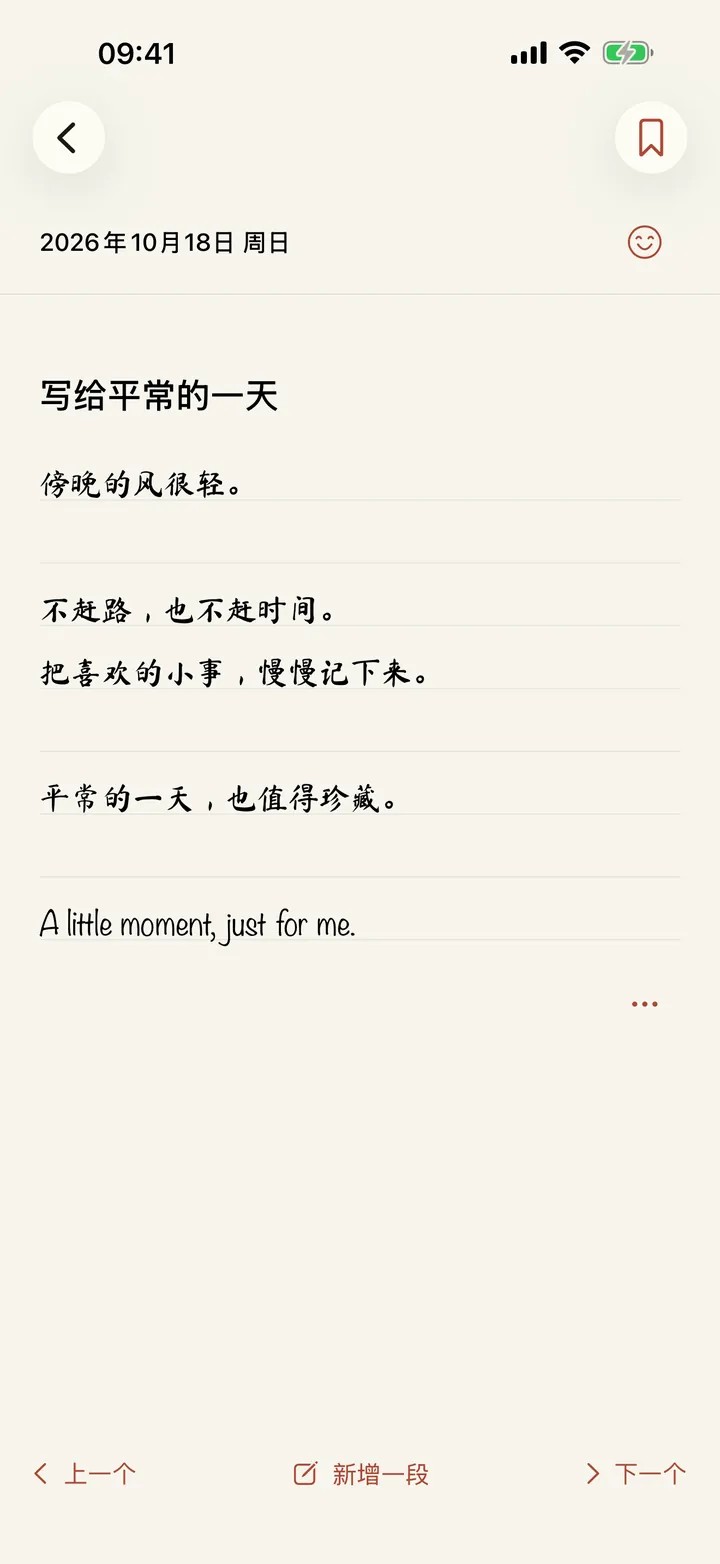

None of that sounds special. The technology is not complicated. I have come to feel, though, that for something you use every day, what matters is usually not how many features you have. It is whether those ordinary things feel comfortable.

Privacy and ease, weighed more than once
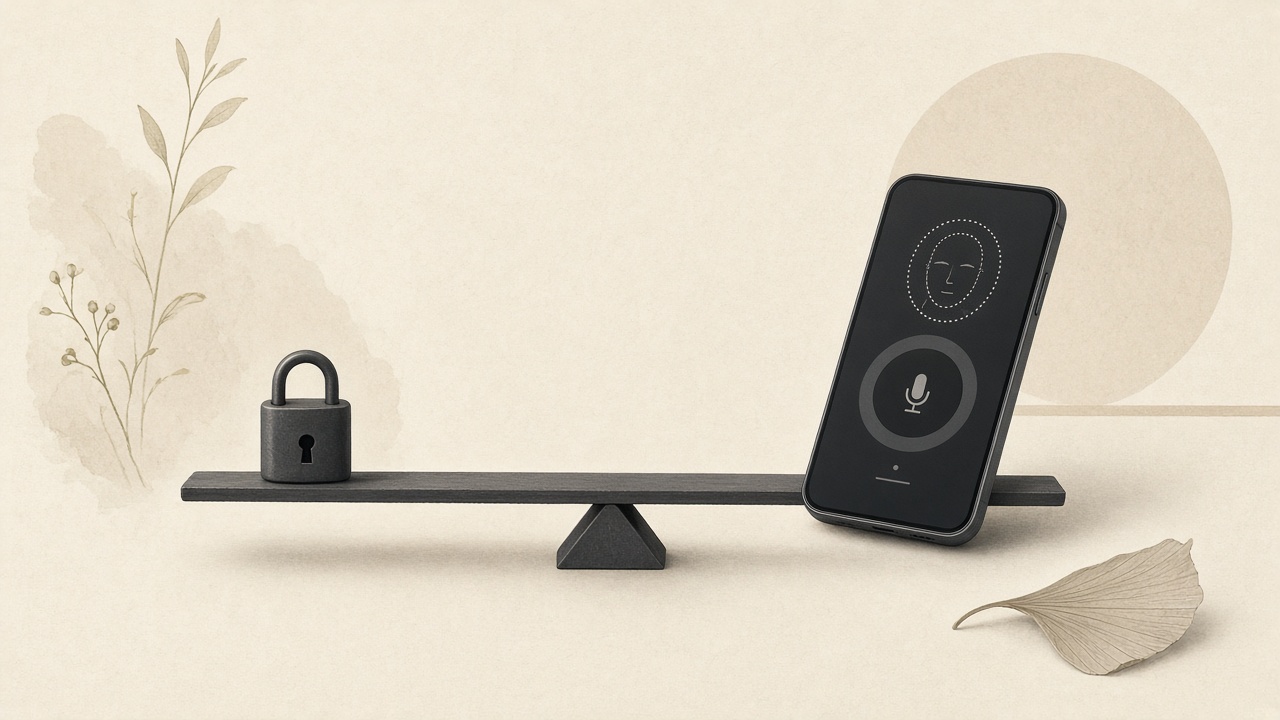
A diary is private, so from the start I wanted Rizha to need no sign-up, with the data staying mainly on the person's own device. For safety, a password or Face ID can guard access. The app also supports local backup and an optional iCloud backup, to lower the chance of losing the diary.
At first I was blunt about it. If privacy matters, verify who you are every time the app opens. After the feature existed, I used it a few times and found it irritating. I pick up the phone to write one sentence, and I have to prove who I am again and again. That breaks the impulse to write.
So I asked Codex to add a setting for how long you can skip a repeat check. Open the app again within five minutes, for example, and you do not have to scan your face over and over. The change is small. It is also a typical product tradeoff. Safety matters. A safety measure also has to fit how people actually use the thing.

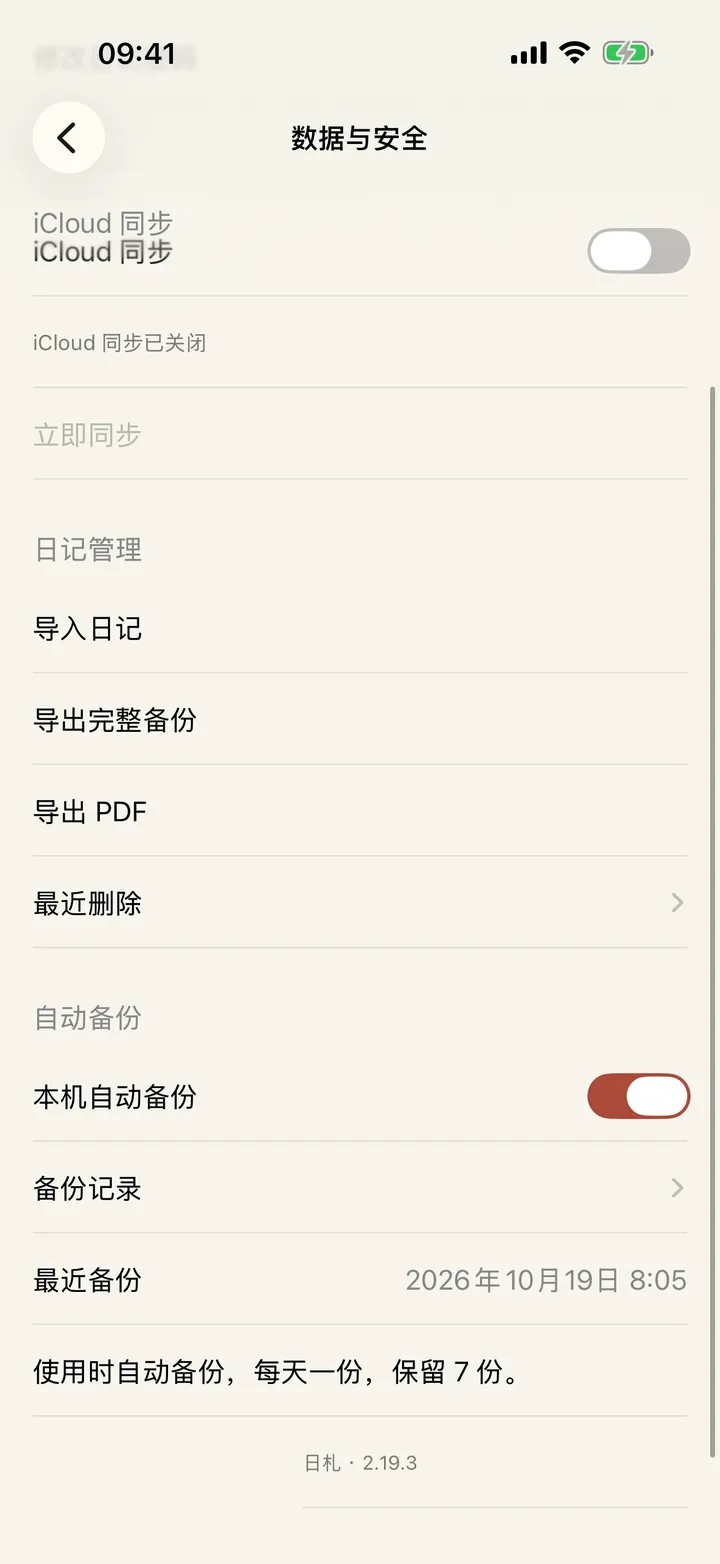
Backup is the same. I want the diary to stay in the person's own hands. Keeping it only on the device should not leave them carrying the risk of a broken phone, or of deleting something by accident. So automatic local backup, manual backup, and optional iCloud backup became capabilities I insisted on keeping.
Why I cared so much about offline voice input
Writing anything long is still a bit of a pain on a phone, compared with a computer. Sometimes a thought shows up suddenly, or I am walking and want a few sentences down. The natural way is to say them. So I specifically asked for voice input, and I wanted speech turned into text without a network, when the device supports it.
Under that are still two ordinary requirements: convenience, and privacy. Keeping a diary should not require a connection. And you should not have to send your voice to some remote service just to get a private sentence onto the page.
I did not research every detail of the speech technology first and then direct the AI step by step. More often I said what using it should feel like, let it find a workable approach and build it, then tried it on a real device and kept adjusting wherever it was not smooth. How far offline input can actually go is still limited by the iPhone, the system, and which languages are supported. You cannot claim it for every device.
Text, photos, video, moods, tags, voice: the features grew one by one. I kept reminding myself that this is a diary app. The interface should not get more complicated just so the app can look powerful.
When the Codex quota ran out, DeepSeek Harness picked up the work
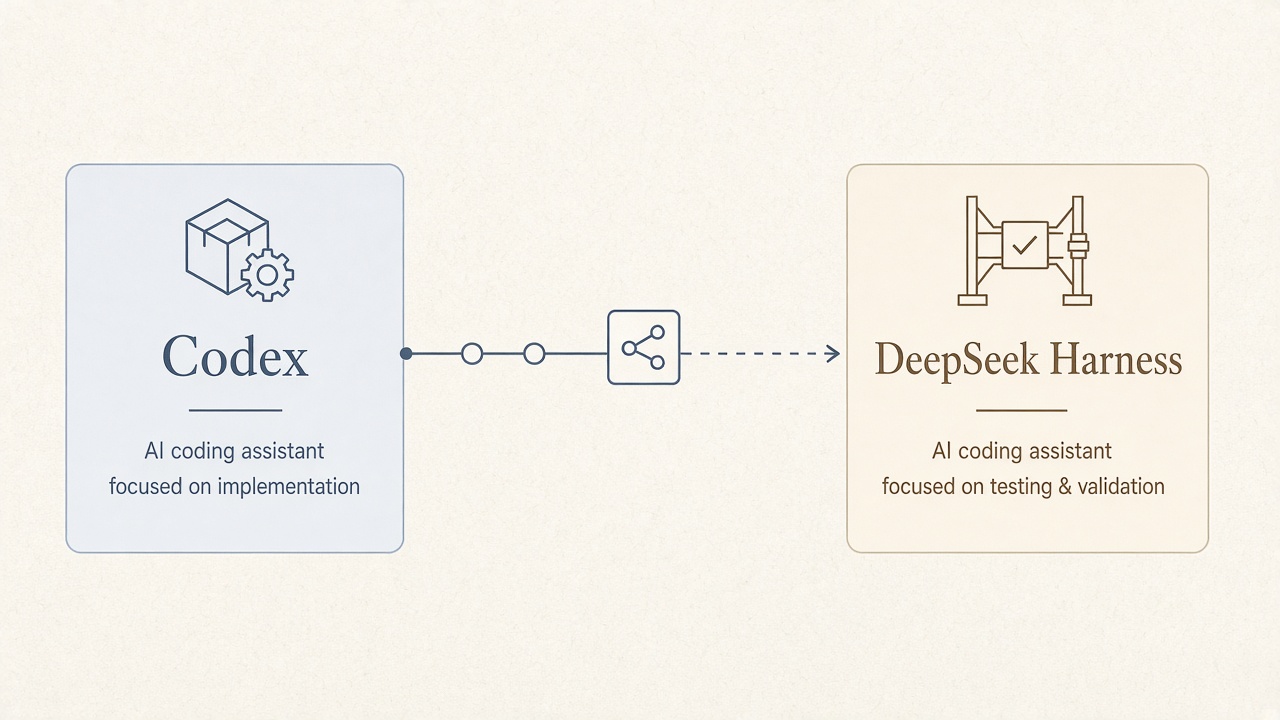
The build was not smooth the whole way. Partway through, I ran out of Codex quota. I did not want the whole project to stop because one tool was temporarily unavailable.
So I had Codex write down where the project stood: which features were done, which problems were still open, and what should happen next. I handed that to DeepSeek Harness and let it continue. When I switched tools, I asked for the handoff to be written properly. I was not going to count on the new AI to guess what had already happened.
That stretch left me feeling that programming with AI does not have to stay tied to one model, or one tool, from start to finish. If the project notes, the code, and the state of the tasks are clear, the tools can take turns. A handoff is not free. The new AI still has to understand the project, so writing the context down matters a lot.
There is another habit I kept. After each fairly large change, I had the AI commit the code with Git. If the next round of edits went wrong, I could at least find the last version that worked, and roll back if I needed to.
That sounds like basic software engineering. With AI writing the code, it may matter more. The changes come so fast that a few rounds of conversation can touch a lot of files. Without version control, when something breaks it is hard to say where it started going wrong.
I did not write the code by hand. I also did not hand the engineering risk over with it. The code can be written by AI. How fast the project moves, and the choice to change something, still have to stay in my hands.
AI did more than write the code
What stayed with me is that Codex and DeepSeek Harness did not only generate code files. On my Mac, working with the development setup, they also did a lot of the practical work: building and running the app, driving the simulator, debugging, preparing the TestFlight test, and putting together the App Store submission. Some of those steps can be done with commands and tools. When a screen got stuck, I took it over by hand.
In the past, even a small app of my own meant a pile of chores after the code was written. Configure the project. Check how it looks on a device. Prepare screenshots at different sizes. Fill in the store listing. This time, most of that sat inside the AI's work too.
I also had Codex make a product site for Rizha: rizha.getaiti.com. The app screens on that site come from the real app, filled with sample diary data. The iPhone and iPad screenshots for the App Store submission, and the promo material, were mostly made with the AI's help as well.

From an idea, to an app I could install and try on a phone, to a product site and the listing materials: in under ten spare days, I handed a lot of work I used to do myself over to AI. There was still revision, testing, and stepping in by hand. Compared with the past, the whole process is already very different.
A note on where it stands: as I write this, Rizha can already be tested through TestFlight. The release is still waiting on Apple's review. Before this essay is published, I will update it to match whatever the review actually decides.
After more than twenty years of writing code, the biggest gain this time was not the code
Someone might ask: you are already a programmer, so what is the point of not writing a line of code?
I think the point is right there. After more than twenty years of building software, I know a product is much more than getting the features written. In the past, when an idea showed up, I would start counting without quite meaning to. How much time. What architecture. Which technology. How to test it, and how to release it. If it only served some small need of my own, I dropped a lot of ideas once I ran the numbers.
It is different now. I can say the idea first, get a version that runs quite quickly, hold it, and keep offering new comments. More of my time goes to the product itself, and less to every detail of how it is built.
That does not mean talking to an AI is enough to make a good product.
The same feature can have a messy interface, or a comfortable one. The same concern for privacy can demand a face scan every time you open the app, or it can find a better balance between safety and ease. Adding features can bloat the product, or it can stay restrained. Those judgments do not fall out of generated code on their own. They come from a person's taste, from using the thing, from feedback, and from the tradeoffs.
AI has sharply lowered the cost of turning an idea into software. What the product becomes still depends on whether a person can see the problems, ask good questions, and know what they actually want.
Making Rizha is where I actually felt the change. Not because I suddenly understand everything. Plenty of things used to feel like too much trouble, the kind of work I had to clear a long block of time for before I could even start. Now I can try them in spare hours. If it comes out badly, I change it. If it does not fit, I start again. One person's idea does not have to be held so tightly by how much code they can write in a day.
If I had to put the experience in one sentence: AI did not make me a better programmer. It gave me a chance to be a freer creator.
Rizha app: https://rizha.getaiti.com
Author's site: https://getaiti.com
Subscribe · EMAIL
Get the next essay by email
One original essay a week. Send a short note and you’ll be on the list — or follow the RSS feed if you’d rather not use email.
ONE ESSAY